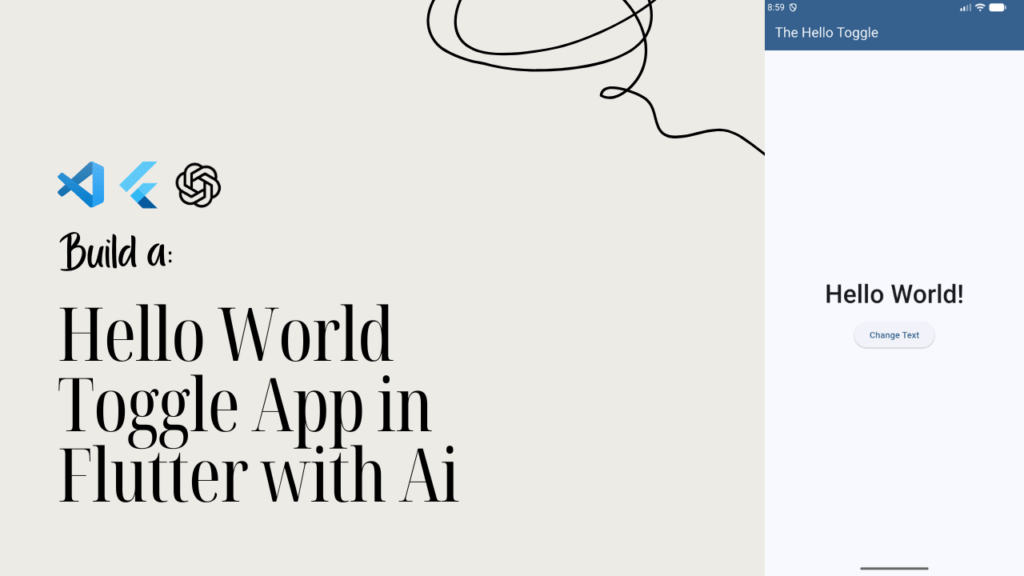
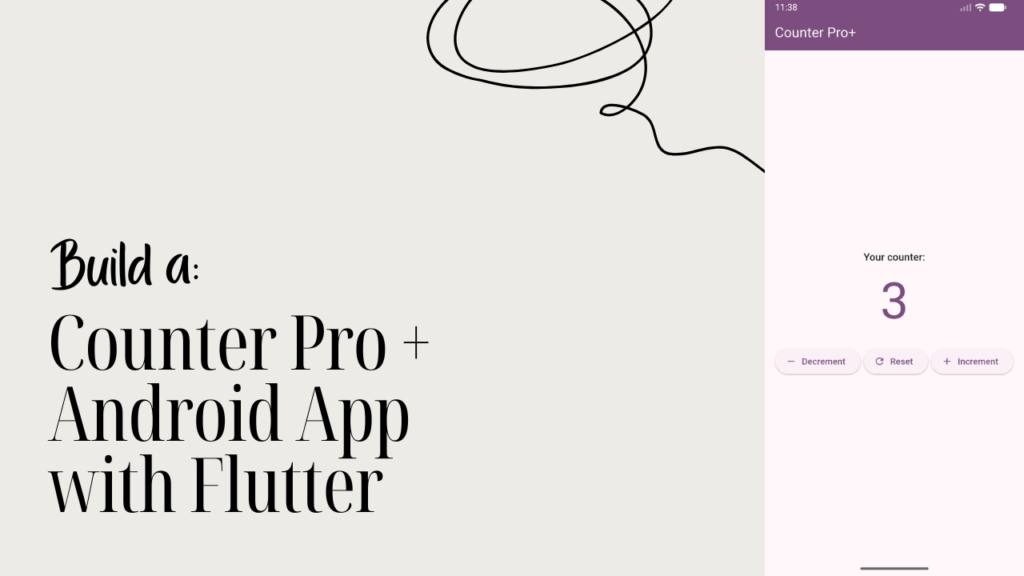
Learn Android app development with Flutter by building a layout practice app using widgets, rows, columns, and UI design
Based on early student feedback
Learners (1,365+)
Beginner-friendly · Project-based · No boring theory
What You’ll Learn
In this class, you’ll focus on Android app UI development using Flutter by building a dedicated layout practice app. You’ll learn how Flutter handles layouts and how widgets work together to create responsive, well-structured Android app interfaces using Dart.
By the end of this class, you’ll learn how to:
- Build structured Android app layouts with Flutter
- Use core Flutter widgets like Row, Column, and Container
- Control spacing, alignment, and positioning in Flutter UI
- Create responsive layouts that adapt to different screen sizes
- Understand widget trees and layout behavior in Flutter
- Develop clean, readable UI-focused Flutter code
This class strengthens one of the most important skills in Flutter Android development—layout design. By practicing layout building in a focused way, you’ll gain confidence to design real app interfaces and avoid common UI mistakes as you move forward.
This Class Includes
This class is built to help you practice Android app UI development with Flutter through a focused layout-based project. Everything included is designed to strengthen your understanding of Flutter widgets, layout rules, and responsive UI design so you can confidently build Android app interfaces.
What’s included in this class:
- Step-by-step lessons for building a Flutter layout practice app
- Hands-on exercises using Row, Column, Container, and Expanded
- Clear explanations of Flutter UI alignment and spacing
- Practical examples of responsive layout design in Flutter
- Clean Dart code focused on UI structure and readability
- Lifetime access to all class content
You can return to this class anytime to reinforce Flutter layout concepts or use it as a reference when designing new Android apps with Flutter. It’s a practical resource that helps you turn layout theory into real UI skills.
Course Content
This course is designed to guide you through Android app layout development using Flutter in a clear, progressive way. Each lesson focuses on a specific layout concept, helping you understand how Flutter widgets work together to create clean, responsive Android app interfaces.
View lesson breakdown
The video lessons cover widget hierarchy, using Row and Column effectively, managing spacing and alignment, working with Containers and Expanded widgets, and building responsive layouts that adapt across screen sizes. Each lesson is practical and focused on real Flutter UI development you can apply immediately.
Requirements / Prerequisites
This class is designed for learners who want to improve their Android app UI development with Flutter by practicing layout and widget composition. No advanced experience is required—just a basic familiarity with Flutter and a desire to build better-looking Android apps.
To get the most out of this class, you should have:
- Flutter installed and set up on your system
- Basic knowledge of Dart syntax
- Familiarity with running a Flutter app on Android
- Interest in learning Flutter UI and layout design
If you’ve completed an introductory Flutter course or built a simple app before, this class will feel like a natural next step. It helps you strengthen core layout skills that are essential for professional Flutter Android app development.
Description
In this class, you’ll focus on Android app UI development using Flutter by building a dedicated layout practice app. This hands-on project helps you understand how Flutter widgets work together to form structured, responsive user interfaces for Android applications.
As you progress through the lessons, you’ll learn how to use core Flutter layout widgets such as Row, Column, Container, and Expanded to control alignment, spacing, and screen structure. The class emphasizes practical layout techniques so you can design UI that looks clean and behaves consistently across different screen sizes.
By the end of this class, you’ll have a strong foundation in Flutter layout design and the confidence to build professional-looking Android app interfaces. This course prepares you to design real-world Flutter apps with clarity, structure, and scalability.
Who This Class Is For
This class is ideal for learners who want to improve their Android app UI development with Flutter and gain confidence in building clean, responsive layouts. If you’ve struggled with positioning widgets or making your Flutter apps look polished, this class is designed for you.
This class is perfect for:
- Flutter learners who want to master Android app layouts
- Beginners ready to strengthen their Flutter UI skills
- Developers who want hands-on practice with Flutter widgets
- Web designers transitioning into Flutter Android development
- Anyone building Android apps with Flutter who wants better UI structure
You don’t need advanced experience—just a willingness to practice and improve. This class helps you develop one of the most important skills in Flutter Android app development: creating layouts that are readable, responsive, and professional.
FAQ
If you’re unsure whether this class will help you improve your Flutter layouts, these answers should give you clarity before you start.
If Flutter layouts have felt confusing or inconsistent before, this class is meant to give you a clear and practical way to practice and improve.
Master Flutter Layouts by Building Real Screens
Learn how Flutter layouts work by building a practical Android app step by step. This free mini class will help you create cleaner UI designs with more confidence and less confusion.