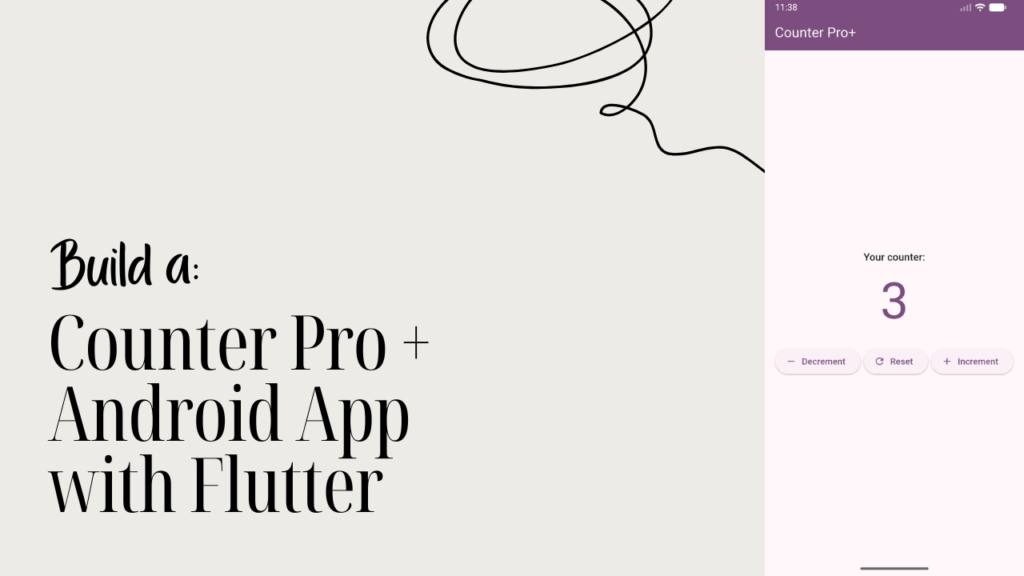
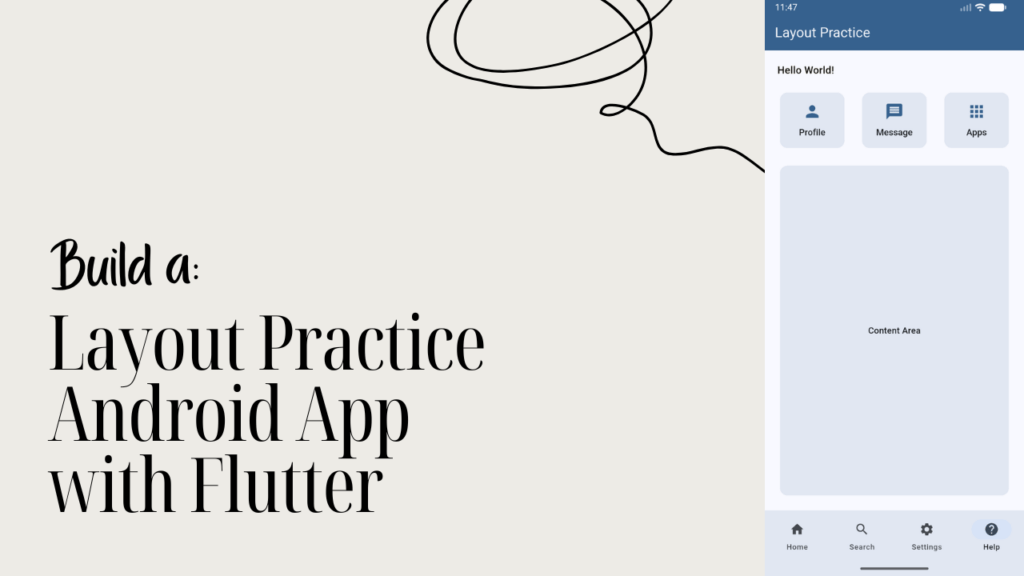
Learn Android app development with Flutter by building a Hello World Toggle App — then use AI to find bugs, fix issues, and release your app on a real phone.
Based on early student feedback
Learners (1,264+)
Beginner-friendly · Project-based · No boring theory
What You’ll Learn
In this class, you’ll build your first real Android app with Flutter — and learn how professional developers use AI as their coding partner from day one.
This isn’t just a Hello World tutorial. You’ll build, debug with AI, run on a real phone, and export a real APK.
By the end of this course, you’ll be able to:
- Set up AI as your coding assistant in VS Code
- Understand Flutter widgets, state, and UI structure
- Build a toggle app that responds to user interaction Use
- ChatGPT Codex to find and fix real bugs
- Run your app on a real Android phone
- Export and release your first APK
You won’t just copy code — you’ll understand why it works, how AI helps, and how to ship a real app from scratch.
This Class Includes
This class is designed to give you a smooth, frustration-free introduction to Flutter and AI assisted development. Everything is focused on helping you learn by doing — no guesswork, no overwhelm.
What’s included in this class:
- 11 focused video lessons with no wasted time
- AI setup walkthrough — ChatGPT Codex in VS Code
- Bug finding and fixing with AI — live in the class
- Complete Flutter project source code included
- Step by step guidance for running on a real phone
- APK export and release walkthrough
- Lifetime access — revisit anytime
You can move at your own pace, revisit lessons whenever you need, and use this class as a reference for every Flutter project you build next.
Course Content
This class is carefully structured to take you from zero to a real working Android app — with AI as your coding partner throughout.
View lesson breakdown
Each lesson builds on the previous one so you’re never left guessing. You’ll move from understanding the basics to confidently building, debugging, and shipping your first Flutter Android app.
Requirements / Prerequisites
This class is designed for beginners who want to start Flutter development without unnecessary barriers. You don’t need prior mobile development experience — just curiosity and the willingness to learn by building.
Before starting, you’ll need:
- A computer — Windows, macOS, or Linux
- Basic computer skills — installing software, opening files
- An internet connection to install Flutter and required tools
- A genuine interest in learning Android development with Flutter
No advanced programming knowledge required. Every concept is explained from the ground up.
Description
This class introduces you to Android app development using Flutter by guiding you through building a real Hello World Toggle App — and using AI to make it better.
Instead of overwhelming theory, you’ll learn by building. You’ll understand how Flutter works, how Dart code is structured, and how AI fits into a real developer workflow — all while creating your first working Android app.
By the end of the class, you won’t just have a working app. You’ll have shipped a real APK, debugged with AI, and built the confidence to keep going. This class sets you up for everything you’ll build next in your Flutter journey.
Who This Class Is For
This class is for anyone who wants to start Android app development with Flutter in a practical, hands-on way — with AI as their coding partner from the very beginning.
This class is perfect for:
- Beginners who want to learn Flutter the right way — with AI
- Students exploring mobile app development for the first time
- Web developers curious about building Android apps with Flutter
- Developers who prefer learning through real projects
- Anyone tired of tutorials that never show you how to ship a real app
If you’re ready to build, debug, and ship your first real Android app — this class is your starting point.
FAQ
If you still have questions before starting, that’s completely normal. Here are some quick answers to help you decide with confidence.
If Flutter has felt overwhelming before, this class is meant to be a calm and confidence building starting point — one clear step forward into real app development.
Start Your Flutter Journey with a Real App
Skip the endless tutorials and build something real from the very beginning. In this free mini class, you’ll create your first Android app in Flutter with the help of modern AI tools.